Skip To Content

How to Choose an Audio Intercom System for Apartments

Choosing an Audio Intercom System For Apartments starts with daily routines, not a feature list. Can a resident hear a visitor clearly from a noisy kitchen? Can someone with limited mobility answer without rushing to the lobby? These practical questions reveal more than a glossy product sheet. Check audio clarity, door-release controls, handset placement, wiring needs, and support for residents with different hearing or communication needs. Small things matter.

Design expert Don Norman wrote, “Design is really an act of communication, which means having a deep understanding of the person with whom the designer is communicating.” His point offers a useful lens for apartment intercoms: the system must work for residents, visitors, and building staff—not just installers. Compare systems in the actual building where possible. Listen near elevators and street-facing entrances. Ask who maintains the equipment and how faults are reported. A low purchase price may hide costly installation or service needs. And a feature-rich panel can still confuse a visitor at the door. There is no perfect choice for every property. This guide examines the trade-offs, helping owners and managers choose a reliable setup that fits their building, budget, and residents’ everyday needs.
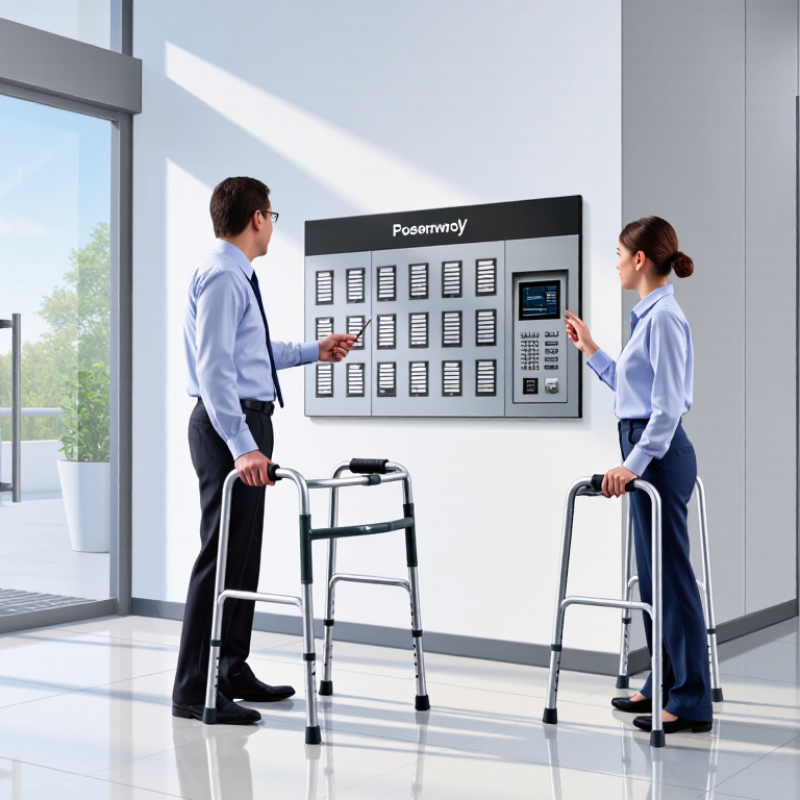
How to Choose an Audio Intercom System for Apartments

Identify Audio Intercom Types and Apartment Coverage Needs

Choosing an audio intercom starts with identifying how residents and visitors need to communicate. A wired system connects entrance panels to apartment handsets through cables, which can offer dependable service but may require difficult retrofit work. Digital systems can support more entrances and extensions, while wireless options may simplify installation. Their performance still depends on distance, walls, and interference. Simple is not always better.

Map every point where someone may call a resident: the main door, side entrance, parking gate, or shared courtyard. Then list the apartments and staff areas that must receive calls. A six-storey building with two entrances has different needs from a small walk-up. Include basement units and ground-floor homes; thick concrete walls can make coverage uneven. A tidy floor plan can mislead.

Walk the site and check cable routes, existing handsets, and likely noise at each entrance. Test calls from distant doors and upper floors, not just the lobby. Listen for clear speech with the door closed and ordinary building noise in the background. If residents need hands-free answering, confirm that the selected setup supports it. A brief test may reveal awkward gaps. Document them before choosing equipment.

Calculate Station Capacity, Wiring Distance, and Expansion Headroom

Start with a station schedule, not a guess. Count every apartment handset or indoor monitor, entrance panel, management desk, and security station. A 60-unit building may need more than 60 addresses if shared areas have their own stations. Check the system’s address capacity separately from its number of simultaneous calls; those figures describe different limits. Small details matter. Include planned additions, too, such as a second entrance panel or a future concierge desk. A drawing can still miss a service room or side door, so walk the site and verify the list.

Measure cable routes along actual walls, risers, and corridors, not straight across a floor plan. Add distance for vertical runs and sensible service loops, then compare the total with the system’s stated wiring limit. Cable type, wire gauge, and layout can affect signal quality and power delivery, so confirm them against installation specifications. For example, a long riser may need a different wiring plan than a short hallway run. Reserve roughly 20–30 percent of address capacity for growth, if the system supports it, and check that the power supply can handle added stations. Extra capacity is useful, but it cannot fix an unsuitable cable route. Recheck the figures before ordering.

Measure Speech Clarity: Target STI ≥0.60 per IEC 60268-16

When comparing apartment intercoms, ask for measured Speech Transmission Index, not just a loudness rating. STI estimates how clearly speech survives background noise and room reverberation. Under IEC 60268-16, scores range from 0 to 1; aim for at least 0.60 at typical listening positions. This is a useful design target, not a universal guarantee of performance.

Test the installed system with calibrated equipment and a suitable test signal. Measure near the entrance panel, inside apartments, and in echo-prone corridors. Keep doors in their usual positions and include realistic sounds, such as a ventilation fan or hallway conversation. A quiet showroom test can flatter almost any system. Real buildings are messier.

Check both directions of communication. A clear reply indoors does not prove that a visitor’s voice will sound clear through the apartment speaker. Ask for results across more than one unit or floor, especially where distance and wall materials differ. If a reading falls below 0.60, investigate microphone placement, speaker direction, background noise, and reverberation before simply increasing volume. Louder can become harsher. I have seen specifications focus on the entrance and overlook the handset position; that gap deserves a second test.

Check Door-Release Integration and UL 294 Compatibility

Choosing an apartment audio intercom involves more than clear speech at the lobby door. Check how the system releases each entrance lock, and whether it works with the building’s existing wiring and access controls. A resident should be able to identify a visitor, press the release button, and hear the lock engage without delay. Test it onsite.

UL 294 covers access control system units, but an intercom’s presence alone does not confirm that the complete door-release setup is compatible. Ask the installer to verify the listing and compatibility of the specific controller, power supply, lock, and release hardware. Confirm what the certification applies to; configurations can differ. This is easy to overlook.

Walk through the actual entry sequence before choosing equipment. Check whether a resident can release the correct door from the handset, and whether staff can still manage access during a power interruption. Have the installer document wiring, power requirements, and any required interface components. A lobby door that opens reliably matters more than a long feature list. Existing wiring may not match the plans, so allow time to inspect it. Small details matter.

Test Audibility, Backup Power, and Accessible Entry Features

An audio intercom system for apartments should be judged at the entrance, not only by its specifications. Ask someone to speak from the lobby while you listen from several floors and behind a closed apartment door. Test during busy hours. Elevator chimes, traffic, and hallway echoes can swallow names or apartment numbers. Try both handset and speaker modes, then raise the volume and listen for distortion. One clear call is not enough. Repeat the test with a soft-spoken visitor and residents with different hearing needs. A quiet showroom can fool you.

Ask what backup power keeps working during an outage. Confirm the expected runtime for calls and door release, not just the control panel. Check how the system signals a low battery, too. For accessible entry, look for readable labels, tactile controls, adjustable volume, and a visual call indicator. Make sure controls can be reached from a seated position. Hands-free operation may help when someone is carrying groceries. Small details matter. Ask residents to try the controls; a tidy layout can still confuse people in a hurry. Recheck after installation. Real hallways are less forgiving than brochures.

How to Choose an Audio Intercom System for Apartments — Test Audibility, Backup Power, and Accessible Entry Features

Selection Dimension What to Test or Confirm Practical Evaluation Why It Matters
Speech audibility at the entrance Check whether a resident can understand a visitor from the apartment’s usual answering location, with doors and windows in their normal positions. Test during a quiet period and a typical noisy period. Ask several people to repeat a short phrase spoken at a normal volume. Listen for clear words, not merely a loud signal. Building layout, hallway noise, speaker placement, and room acoustics can affect intelligibility.
Speech audibility at the entry panel Have a visitor speak from the expected standing position and listen from inside the apartment. Repeat the test at different distances and with ordinary background noise. Adjust microphone and speaker levels if available, then check for distortion or feedback. A system that is clear in a showroom may perform differently in a reverberant lobby or noisy entrance.
Volume and adjustment Confirm that call and speech volume can be adjusted to suit different residents and locations. Test the lowest and highest settings and verify that speech remains understandable without excessive loudness or distortion. Adjustable volume can help accommodate differences in hearing and ambient noise.
Call indication Check whether an incoming call has a clear audible signal and, where provided, a visible indicator. Test the call signal from across the room and in typical daytime conditions. Confirm that visual indicators are easy to notice. Multiple forms of notification can make calls easier to notice in noisy environments or for residents who may not hear a tone.
Backup power Ask which functions remain available during a mains power outage, including communication and door release. Request the documented backup runtime under the expected load. Confirm battery type, replacement interval, charging method, and low-battery indication; test the system using the manufacturer’s safe procedure. Backup performance varies by system, battery condition, connected locks, and usage. Do not assume that communication and unlocking will both remain available.
Accessible control height and approach Check that controls can be reached and operated from a clear, usable approach, including by residents using mobility devices. For projects subject to U.S. ADA requirements, check applicable reach-range provisions; a common unobstructed forward or side reach range is 15–48 inches above the floor, subject to exceptions and site conditions. Applicable accessibility rules depend on the building, location, installation, and specific configuration. Verify requirements with a qualified accessibility professional.
Accessible door release Determine whether a resident can release the entrance without needing to grip, pinch, or twist a small control. Try the release using one hand and with limited dexterity. Check button size, operating force, placement, and whether the door actually opens or unlocks as intended. An accessible intercom control does not by itself ensure that the entrance door or opening hardware is accessible.
Resident usability and labeling Review button labels, call instructions, and any tactile or high-contrast features. Ask residents with varied vision, hearing, and dexterity to complete a sample call and door-release sequence without assistance. Clear, consistent controls reduce confusion for residents, visitors, and delivery personnel.
Installation and ongoing checks Confirm who will maintain the system and how faults, battery warnings, and audio problems will be reported. Include a scheduled check of call audio, release operation, backup-power status, and visible indicators. Record test results and corrective actions. Routine checks help identify degraded batteries, damaged wiring, and changes in audibility before they disrupt entry.

Evaluation note: Test the complete installed system at the actual entrance and in representative apartments. Treat runtime, accessibility, and audibility criteria as items to verify for the specific site rather than guarantees based on a product description.